Readout
Chart screenshot → game plan

Don't trade a chart you can't read. Turn it into a plan instead.

Upload one screenshot. Readout reads the price range and structure on your image, then returns the entry reference, the invalidation level and the target zones — with the risk-reward math already worked out.

3 free scans, no card Any candlestick chart No advice, no win-rate claims

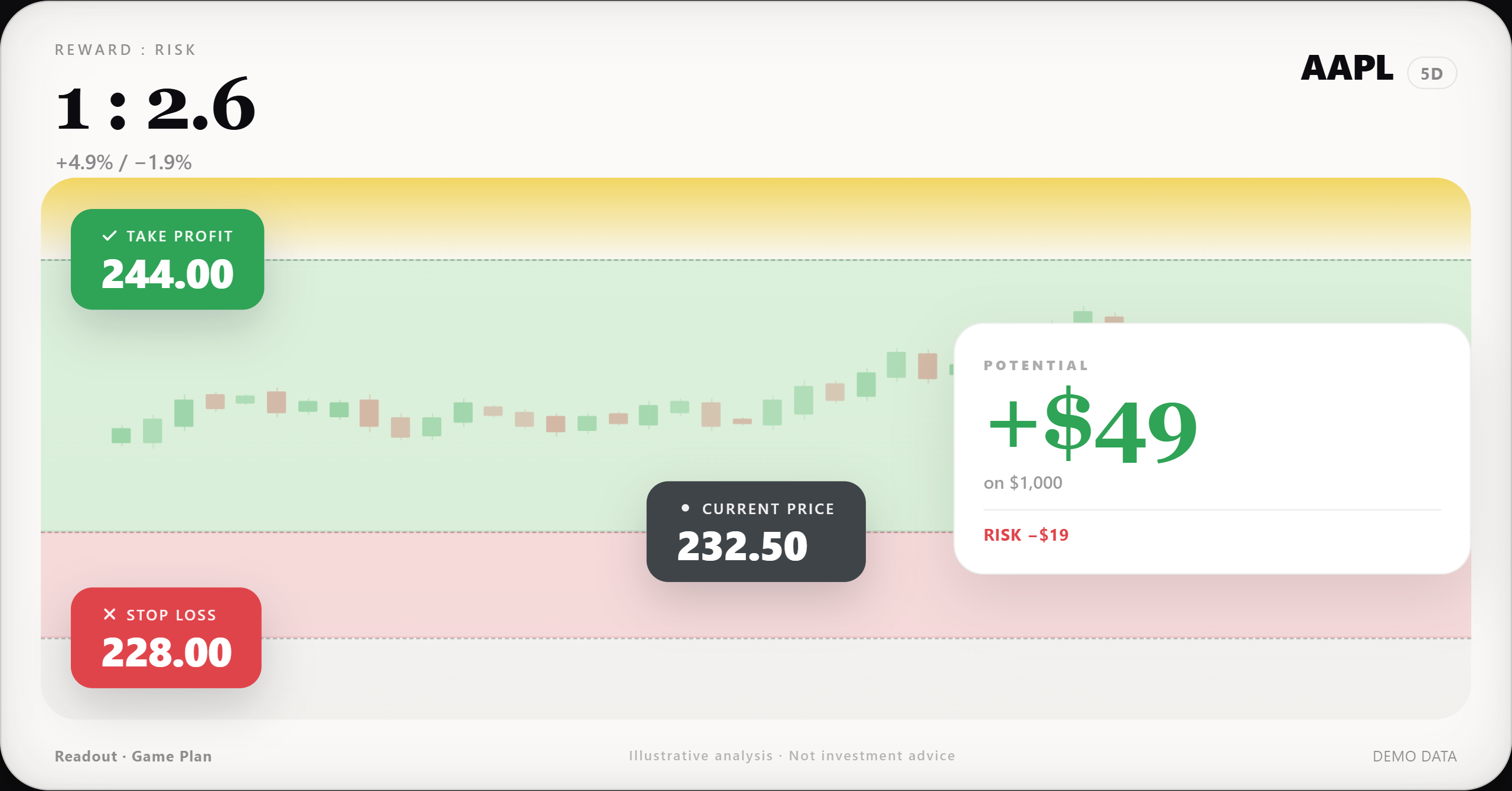
GAME PLAN · 5D AAPL 232.50 US · GREEN UP 244.00 232.50 228.00 Upside to target +4.9%Risk to invalidation -1.9%R:R 1 : 2.6 Illustrative chart from synthetic data · Not investment advice DEMO DATA

Illustrative output · synthetic data, not a live market call

Why it's different

A reading you can check —
not a black box.

Structured Game Plan

Every scan returns the same skeleton: symbol and timeframe read back to you, the visible price range, key levels, an entry reference, an invalidation level, targets and the risk-to-reward ratio. Sections you can point at — not a wall of prose.

Real vision analysis

A vision model looks at your actual pixels — axis ticks, candles, wicks, volume bars. If the screenshot is too cropped or too blurry to read, it returns Wait and tells you why, instead of inventing levels to fill the page.

Risk-reward math

Every price is checked against the range printed on your screenshot. Numbers that fall outside get flagged as unresolved rather than drawn. The ratio comes from those same numbers — you can redo the arithmetic yourself.

How it works

Three steps. About twenty seconds.

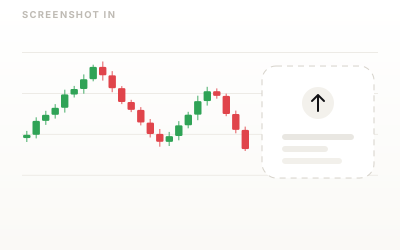
A chart screenshot dropped into the upload area
1Upload

Upload a screenshot

TradingView, your broker's app, a photo of a monitor — drop it in or paste it. PNG, JPG or WebP. No login, no API key, nothing to install.

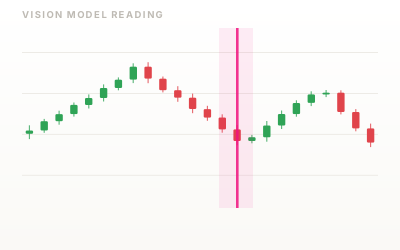
A scan line moving across the chart as the model reads it
2Read

AI reads the chart

Symbol, timeframe and the y-axis come first, then candles, structure and volume. If it can't read the axis, it says so — that's the part most tools skip.

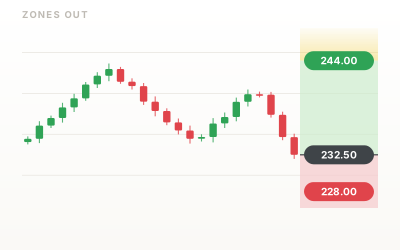
Entry, risk and target zones drawn over the chart with price pills
3Plan

Get entry, risk and target zones

Color bands drawn back onto your own image, plus IF / THEN conditions, three scenario levels and the risk-reward ratio. Download the annotated PNG or copy the report.

Sample output

This is what a report looks like.

Not a chat reply. A fixed layout: zones drawn on your own screenshot, the levels behind them, and the arithmetic that connects them.

Readout sample report: candlestick chart with a green target zone, a red risk zone and three price pills for target, current price and invalidation
Captured from the product running on a synthetic chart. Illustrative only — not a live market call, not a recommendation.
  • Zones, not predictions. A green band between the entry reference and the target, a red band down to invalidation — drawn on the screenshot you uploaded.
  • The math is on the chart. Upside to target, risk to invalidation and the ratio between them — derived from the levels shown, not from a model's opinion.
  • IF / THEN conditions. What would confirm the read, what would break it, and three scenario prices so you can see where the edges are.
  • "Wait" is an allowed answer. A cropped or unreadable chart returns no plan and a reason — not a made-up level.
Pricing

Start free. Pay only if it earns its place.

Credits are per scan, not per minute or per seat. No auto-renew on the credit pack, cancel the subscription any time.

Free
$0
3 scans to see whether this is for you
  • Full report structure
  • Annotated image download
Start free
Pay as you go
$9.90/ 10 scans
Credits never expire · no subscription
  • 10 scans, use them whenever
  • Same report as Pro
Buy 10 scans
Most picked
Pro
$39/ month
Unlimited scans for regular use
  • Unlimited scans
  • Scan history
  • Cancel any time
Go Pro
Lifetime
$249once
One payment, no renewal
  • Everything in Pro
  • Future updates included
Buy lifetime

Prices in USD. Taxes may apply depending on your country. 7-day refund on first purchase — see Terms.

FAQ

Questions people actually ask.

Which charts can I upload?

Any candlestick chart where the price axis is visible: TradingView, broker terminals, mobile trading apps, screenshots of a screener. PNG, JPG and WebP are supported, up to about 8 MB.

Two things break the read: a chart cropped so the y-axis disappears, and a screenshot so small that the axis labels can't be resolved. When that happens the report says Wait with a reason instead of guessing.

Does it work for US stocks, A-shares, crypto, forex?

Yes — the model reads what's on the image, not a fixed symbol list. US stocks, ETFs, A-shares, Hong Kong stocks, crypto pairs, forex and futures all work, as long as the chart is a standard candlestick chart.

There's a market-context switch for candle colours: green-up for US/global markets, red-up for A-shares, so the bands and the colour language match what you're looking at.

Do you tell me what to buy or sell?

No. Readout does not provide investment advice, recommendations, or signals. It doesn't tell you to buy or sell anything, and it won't manage a position for you.

What it does is technical: it reads the structure on your screenshot and describes levels — where the chart shows support and resistance, where a setup would be invalidated, what the risk-to-reward arithmetic looks like. You decide what to do with that, and you carry the risk. We don't publish win rates, backtest numbers, or return promises, because none of those would be honest.

What happens to my screenshots?

They're used to produce the analysis you asked for and are not used to train models. Every report carries a line saying it was generated by an AI vision model.

In the current build the image is sent from your browser to the vision model and the result comes back to your browser; the annotated image and history are stored locally on your device. When the hosted version launches, storage and retention will be described in the Privacy Policy before you're asked to pay for anything.

How many scans do I get for free?

Three, and no card is required. That's enough to run it on charts you already know the answer to — the honest way to test whether the reading is any good.

After that you can buy a 10-scan pack for $9.90 with no subscription, or go Pro for unlimited scans. See pricing.

How do I cancel?

From your account page in one click — no email, no retention call. You keep access until the end of the period you already paid for, and the subscription stops renewing.

The 10-scan pack isn't a subscription at all, so there's nothing to cancel. First purchases are covered by a 7-day refund; details in the Terms.

What if the AI misreads my chart?

It can happen — vision models misread symbols, timeframes and axis values, and this product is built around that risk rather than pretending it doesn't exist. The report shows you what it read (symbol, timeframe, visible price range) so you can catch a mistake immediately, and out-of-range prices are flagged instead of drawn.

You can correct the symbol or timeframe and re-run without burning an extra credit. If a scan is clearly unusable, contact us and we'll return the credit.

Do I need my own API key?

No. The public version is turnkey. The self-hosted development build lets you point it at your own OpenAI-compatible endpoint — that's for developers, and we share the spec on request.

Your next chart doesn't need another opinion.

It needs levels, an invalidation, and a number for what you're risking. That takes one screenshot.